Chapter 8: Tools & Accessories
Essential tools and accessories for deployment and maintenance
8.1 Required Accessories and Materials
Successful deployment of network security infrastructure requires a comprehensive set of cables, mounting hardware, power equipment, tools, and documentation materials. Proper planning ensures all necessary items are available before installation begins.
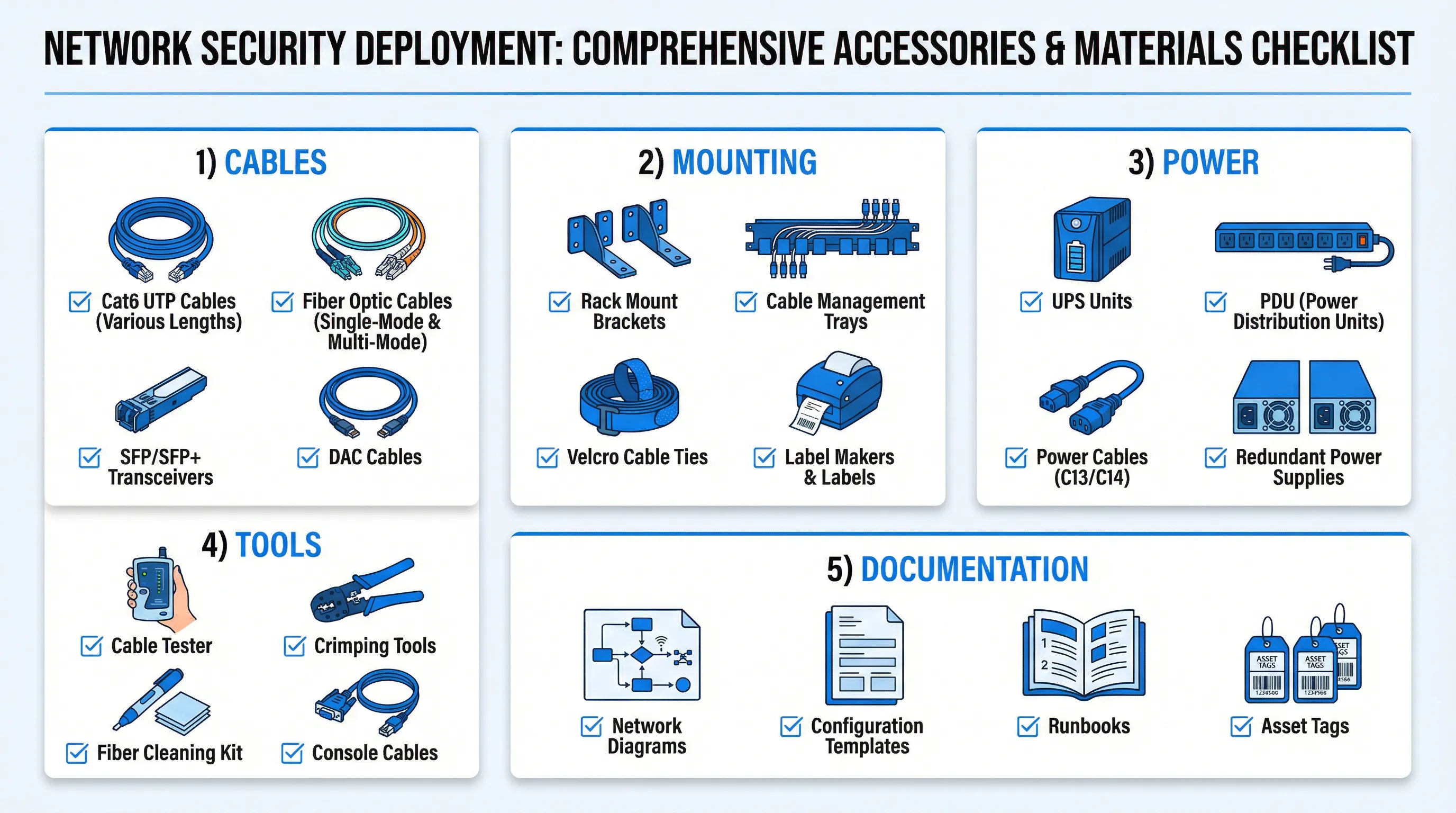
Cables and Connectivity
| Item | Specifications | Quantity Guidelines | Notes |
|---|---|---|---|
| Cat6 UTP Cables | Various lengths (1m, 2m, 3m, 5m, 10m) | 2x per interface + 20% spare | Use different colors for different zones |
| Fiber Optic Cables | Single-mode LC-LC or Multi-mode OM3/OM4 | As required for long-distance connections | Order pre-terminated for reliability |
| SFP/SFP+ Transceivers | 1000BASE-SX/LX or 10GBASE-SR/LR | 2x per fiber port + 2 spares | Use vendor-compatible transceivers |
| DAC Cables | Direct Attach Copper, 1-7m | For short high-speed connections | Cost-effective alternative to fiber |
8.2 Mounting and Physical Installation
Proper physical installation requires rack mounting hardware, cable management systems, and labeling materials to ensure a professional, maintainable deployment.
Rack Mounting Equipment
- Rack Mount Brackets: Vendor-specific mounting ears and rails for securing devices in standard 19-inch racks
- Cable Management Trays: Horizontal and vertical cable organizers to route cables neatly
- Velcro Cable Ties: Reusable ties for bundling cables (avoid zip ties which can damage cables)
- Blank Panels: Filler panels to maintain proper airflow and professional appearance
- Cage Nuts and Screws: M6 cage nuts and screws for securing equipment to rack rails
Labeling System
| Label Type | Application | Information to Include |
|---|---|---|
| Cable Labels | Both ends of every cable | Source device/port, destination device/port, VLAN/zone |
| Device Labels | Front and rear of devices | Hostname, IP address, asset tag, support contact |
| Port Labels | Each interface on device | Interface name, VLAN ID, purpose |
| Rack Labels | Rack identification | Rack number, location, responsible team |
8.3 Power and Environmental
Reliable power infrastructure is critical for security device availability. Redundant power sources, UPS systems, and proper environmental controls protect against outages and hardware failures.
Power Equipment
| Equipment | Purpose | Specifications |
|---|---|---|
| UPS Units | Provide battery backup during power outages | Capacity: 30-60 minutes runtime at full load, online/double-conversion type |
| PDU (Power Distribution Units) | Distribute power to multiple devices | Managed PDU with remote monitoring, 16-24 outlets, 20A or 30A |
| Power Cables | Connect devices to power sources | C13/C14 IEC cables, various lengths, 2x per device |
| Redundant Power Supplies | Provide power redundancy within device | Hot-swappable, connect to separate PDUs/circuits |
Environmental Considerations
- Temperature: Maintain ambient temperature 18-27°C (64-80°F) for optimal performance
- Humidity: Keep relative humidity 20-80% non-condensing
- Airflow: Ensure adequate front-to-back or side-to-side airflow, avoid blocking vents
- Cooling: Provide dedicated HVAC for equipment rooms, consider hot/cold aisle containment
8.4 Tools and Documentation
Proper tools and documentation are essential for efficient installation, troubleshooting, and ongoing maintenance of network security infrastructure.
Installation and Maintenance Tools
- Cable Tester: Verify cable continuity and proper wiring for copper and fiber connections
- Crimping Tools: Terminate RJ45 connectors on Cat6 cables (though pre-made cables are recommended)
- Fiber Cleaning Kit: Clean fiber optic connectors to prevent signal loss and errors
- Console Cables: USB-to-serial or RJ45-to-DB9 cables for initial device configuration
- Laptop with Terminal Software: For console access and configuration (PuTTY, SecureCRT, or similar)
- Screwdriver Set: Phillips and flathead screwdrivers for mounting and installation
Documentation Requirements
| Document Type | Purpose | Contents |
|---|---|---|
| Network Diagrams | Visual representation of network topology | Physical and logical diagrams, IP addressing, VLAN assignments |
| Configuration Templates | Standardized configurations for consistency | Base configurations, security policies, naming conventions |
| Runbooks | Step-by-step procedures for common tasks | Installation, troubleshooting, failover, recovery procedures |
| Asset Tags and Inventory | Track equipment and ownership | Serial numbers, purchase dates, warranty information, locations |